About EasyJoinImage
Published 15 January 2026 · Updated 15 September 2026 · Handcrafted by Ashraful Alam
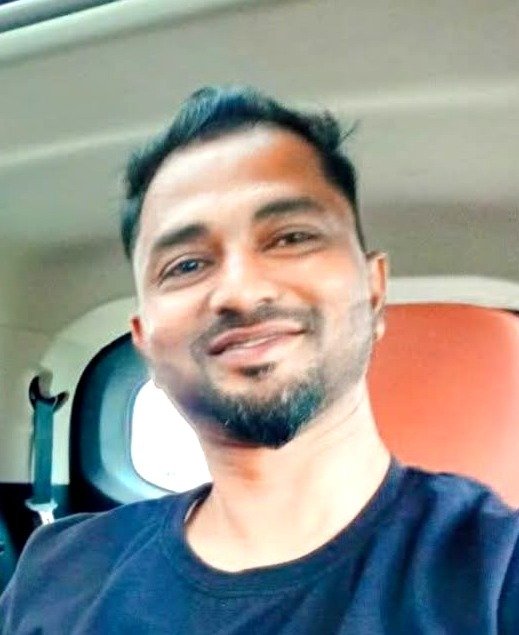
Who Built It
EasyJoinImage was designed, coded, and is actively maintained by Ashraful Alam, an independent developer from Assam, India. It was built with a simple goal: provide everyday citizens, students applying for competitive exams, and cyber café / CSC centre operators with free, lightning-fast, and 100% private document formatting tools.
Why This Tool Exists (The Mission)
In India, millions of citizens regularly need to format identity documents and exam photos for government portals, job applications, college admissions, and bank KYC verification:
- Aadhaar Card Front and Back on a single page (or single A4 sheet) for photocopies and KYC submissions.
- Passport photo merged with candidate signature into one combined image file constrained strictly between 20KB and 50KB for SSC, IBPS, and UPSC.
- Document photos cropped cleanly, straightened from angled phone shots, and enhanced for crisp printing.
Unfortunately, most "online merger" tools upload sensitive identity documents containing Aadhaar numbers, QR codes, birth dates, and biometric signatures to untrusted remote cloud servers. EasyJoinImage exists to solve Aadhaar and form image merging safely without server upload.
Technical Approach: 100% Browser-Side Processing
EasyJoinImage is engineered with a strict zero-upload client-side architecture:
- When you select or drop images into our tools, your browser loads the image files directly into local device memory using HTML5 File and Canvas APIs.
- All processing—including cropping, perspective tilt straightening, auto-brightness/contrast enhancement, scanner binarization, vertical/horizontal stitching, and KB-targeted JPEG compression—executes locally using your device's CPU and GPU.
- Files never leave your device. No image is ever transmitted across the network, stored on a remote server, or saved to a cloud bucket.
- The moment you close or refresh the tab, your transient image data is instantly cleared from memory.
Development History & Mission
EasyJoinImage started in early 2026 as an internal utility to help local Common Services Centres (CSC) format Aadhaar card prints quickly on counter printers without expensive desktop software. Following positive community feedback, it was expanded into a dedicated suite of tools tailored for official Indian ID formats (CR80 85.6 mm × 54 mm), SSC/IBPS photo-signature joiners, KB compressors, and instant WhatsApp sharing for village citizens needing prints.
Our ongoing mission is to provide high-quality digital utility tools that respect user sovereignty and personal privacy above all else.
Official Institutional Transparency
EasyJoinImage is strictly an image alignment and layout utility. We do not issue, verify, or certify identity documents. For official government identity services, please use certified portals:
- UIDAI Official Portal: uidai.gov.in ↗
- Official myAadhaar Portal: myaadhaar.uidai.gov.in ↗
- CSC e-Governance Services: csc.gov.in ↗
Get in Touch
Have suggestions, questions, or encountered an issue? Feel free to reach out directly to Ashraful Alam at hello@support.easyjoinimage.in or through our Contact Page. We respond to all inquiries within 24 to 48 hours.